
No Character/Wiki Lookup Box

Edit: After searching through many, many threads, I found a comparison with the different editors and a reference to how the addition of the new editor. Sure enough, I just had to go into my settings and change it back to the textile I was familiar with. I'll leave this post up in case anyone has a similar question!
Hello, everyone. I used this tool a few years ago during my first campaign as GM. Now I'm igniting a new Pathfinder experience and came back because I loved the wiki tool. Unfortunately, I see that the layout has changed dramatically for editing, but none of the tutorial or help videos have been updated to reflect this.
For example, I still remember how to add in a new wiki page with double brackets. However, I cannot for the life of me remember how to add a new character in without creating it first, and I'm even having trouble linking an existing character to a wiki page at all. I know the format for a character should be [[:slug]], but that doesn't seem to be working.
If I'm just missing a new body of helpful information, please point me in that direction, or to a thread where this has been addressed. I've searched the forums and Google several times, but I have found nothing that doesn't point me toward the now non-existent character lookup box.
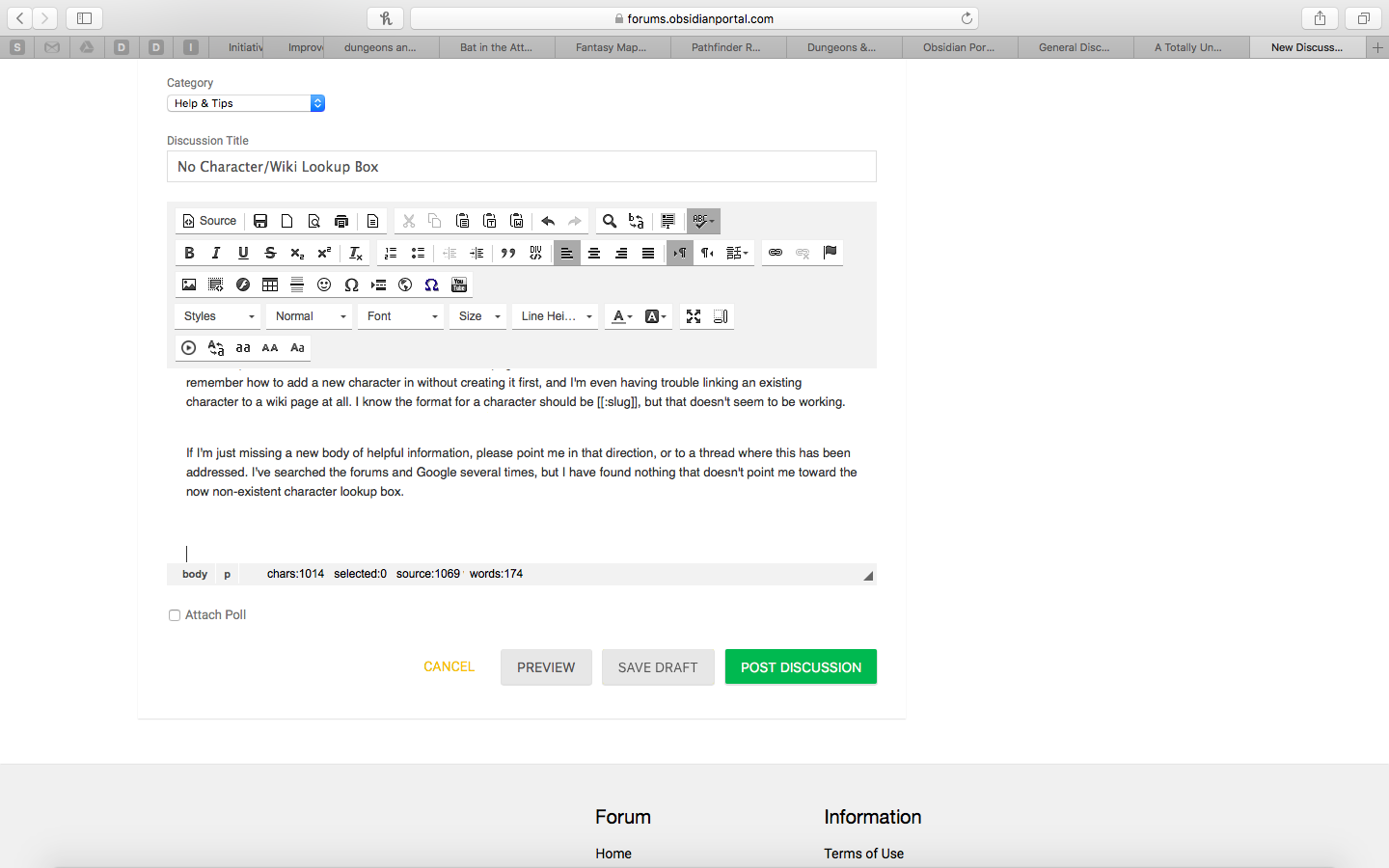
I'll add in a picture of what I see when adding text so you can see that the sidebar tools that once were located on the right side of the screen are no longer there for me. If I just haven't enabled this tool or something, please let me know. Thanks!

Howdy, Stranger!
It looks like you're new here. If you want to get involved, click one of these buttons!


